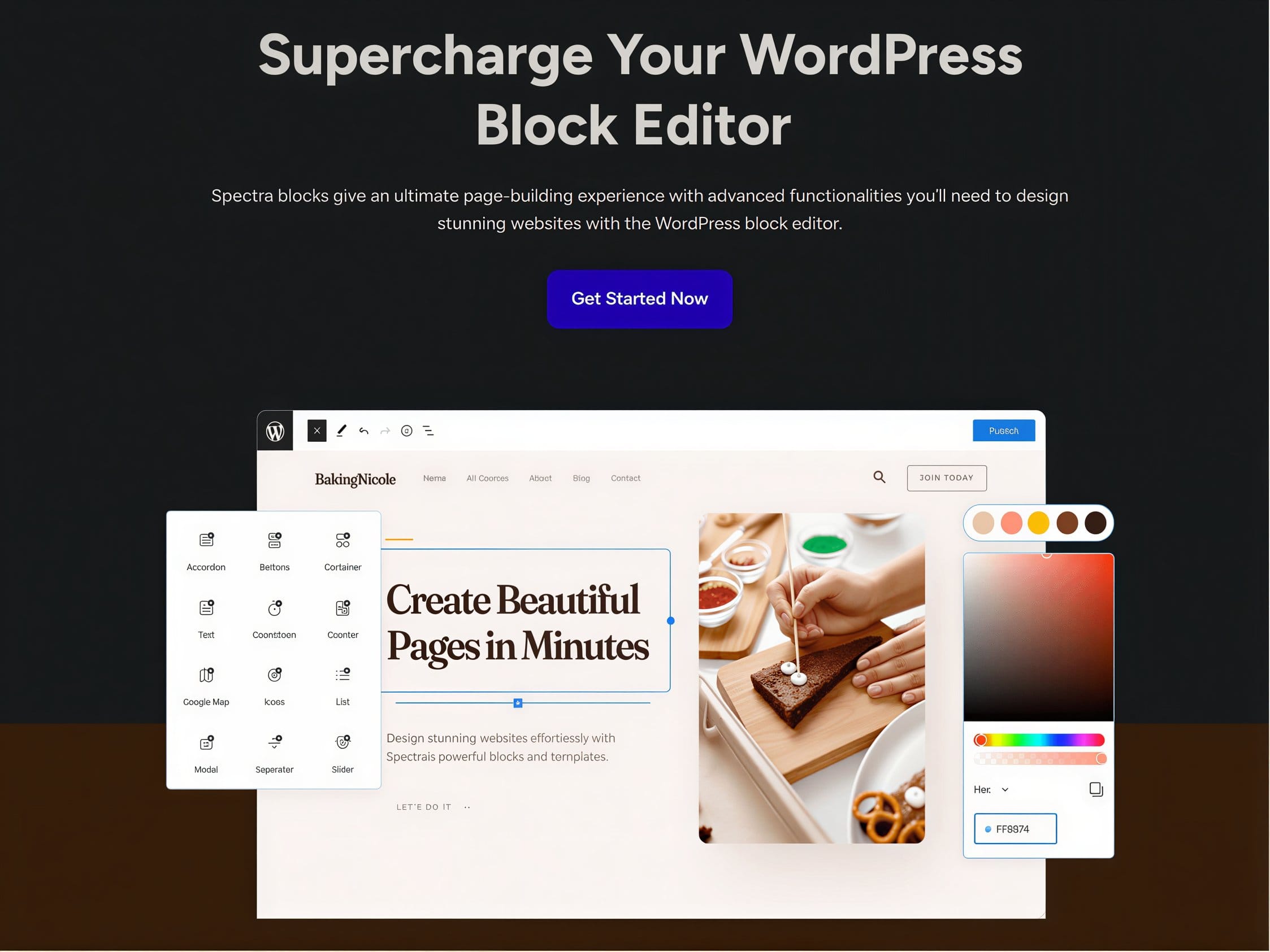
Spectra Blocks Pro: advanced page design in the native WordPress editor
Spectra Blocks Pro extends the WordPress block editor with tools for building complex pages, dynamic sections, user forms, popup messages, and custom content layouts. The plugin allows you to work within the Gutenberg environment, so there is no need to move your project to a separate page builder. It works well for creating business websites, sales pages, catalogs, blogs, custom content sites, and WooCommerce stores.
The Pro version expands the capabilities of the base Spectra blocks with features useful in projects that require reusable components, site-wide appearance control, and displaying data pulled from WordPress. Individual sections can be configured visually, including layout, spacing, typography, colors, animations, and behavior on desktops, tablets, and smartphones. This allows the plugin to serve as a design layer on top of the native editor without replacing the block mechanism with its own closed interface.
Dynamic content, loops, and conversion-focused elements
The Spectra Pro block package is designed not only for formatting static pages. It enables building templates that automatically retrieve relevant information from the WordPress database and display it in a defined layout. This matters for sites publishing numerous posts, offers, reviews, products, or other content types, since a single construct can handle a larger set of records without manually designing each item.
- Dynamic Content: displays data from fields created with ACF, Pods, and Meta Box, among others, allowing you to connect the block design with the content of a specific post.
- Loop Builder: creates custom loops for posts, products, and other content, with the ability to use categories, tags, and custom query parameters.
- Popup Builder: builds popups directly in the editor and triggers them based on delay, page scroll, exit intent, or other conditions.
- Global Styles: provides reusable classes and variables for CSS properties, color palettes, and responsive typography scales.
- Slider Pro: showcases products, features, or editorial content in a configurable slideshow with custom navigation and per-slide settings.
- Countdown Timer: counts down to the end of a promotion, event, or publication and can execute a specific action when it reaches zero.
- User Registration and User Login: create registration and login forms visually matched to the site, with support for redirects and Google reCAPTCHA v2 or v3 protection.
- Modal Pro: displays messages, forms, and calls to action in modal windows or off-canvas panels, with support for triggers and cookie-based rules.
This combination of features allows you to use Spectra Blocks Pro to create offer pages with controlled messaging, catalogs pulling data from custom fields, and product sections based on queries. An administrator can prepare a single card template and apply it to multiple items while maintaining a consistent structure and style. For time-limited campaigns, pairing a countdown timer with a popup is useful, while in membership sites, login and registration forms help maintain a consistent user experience without redirecting to the standard WordPress screen.
Consistent components and project performance control
The block editor extension uses the native WordPress interface, so existing mechanisms for copying blocks, working with patterns, and managing document structure remain available. Global styles reduce the need to manually adjust the same parameters across multiple pages: changing a shared color variable, typeface, or typography scale can be applied across many components. This is particularly important for sites developed in stages, where new pages should maintain the previously established visual system.
Spectra Blocks Pro uses a mechanism that loads only the assets required by the blocks used on a given page. This reduces the need to include the full set of scripts and styles regardless of the document content. Layouts can be built using containers, rows, and grids, and responsive settings allow you to customize sizes, spacing, visibility, and element behavior separately for different screen widths.
In practice, the plugin meets the needs of designers and agencies that want to build more complex websites without abandoning Gutenberg. Spectra Blocks Pro combines features typical of advanced visual builders with the WordPress block-based content model, so pages remain editable in the standard dashboard. This is useful both for individual landing pages and for larger sites where reusable templates, dynamic data sources, and centrally managed styles have a direct impact on the efficiency of further development.