
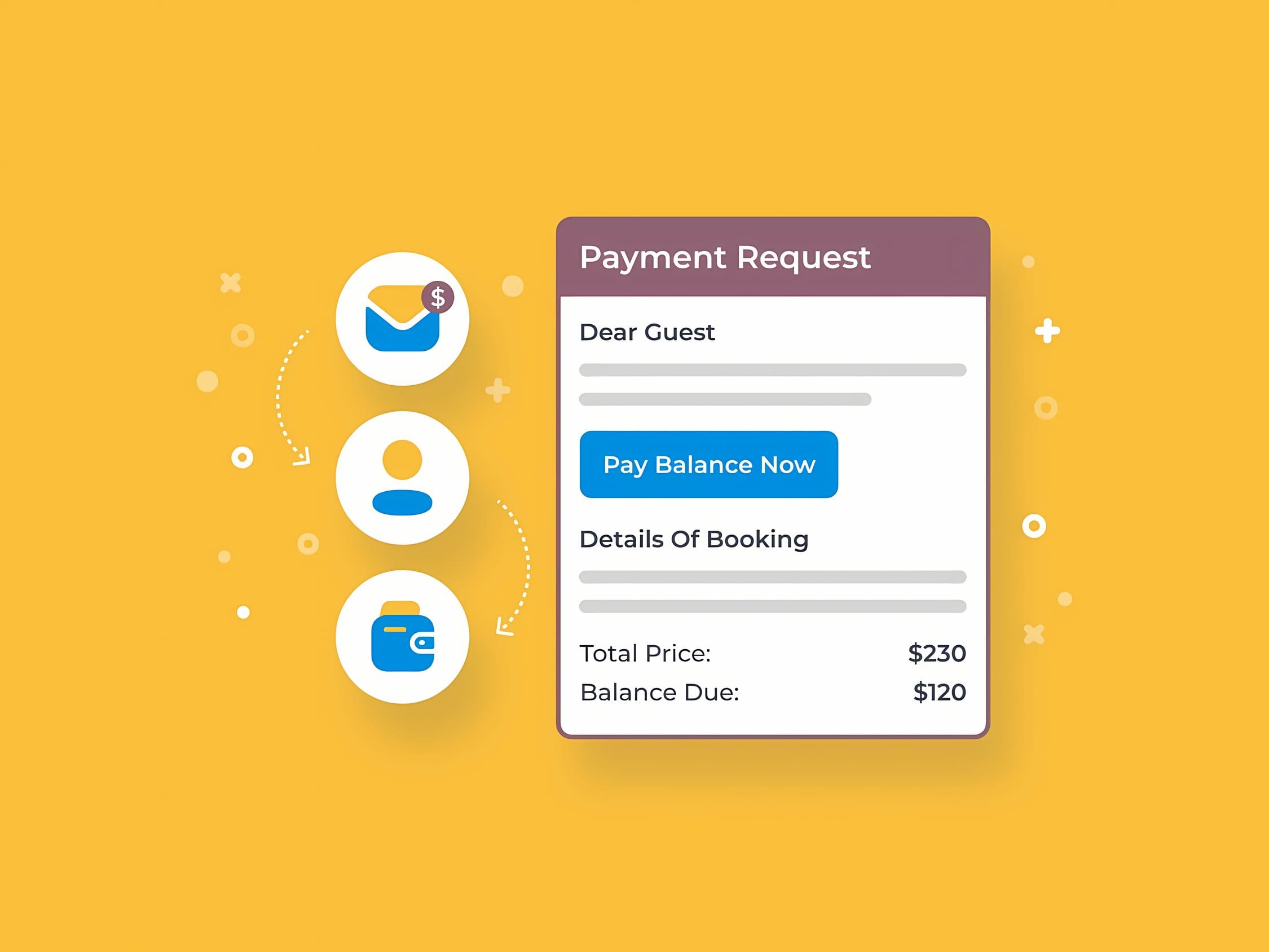
MotoPress Hotel Booking Payment Request is a Premium WordPress add-on that helps you efficiently collect payment for a booking after it has been created. The solution is useful wherever some guests choose bank transfer, pay on arrival, or when an additional payment for a booking is required by a specific deadline. In practice, it shortens handling time, streamlines communication with the guest, and reduces the risk of outstanding balances without manually “chasing” payments.
MotoPress Hotel Booking Payment Request: control over surcharges and post-booking payments
In a typical online booking process, payment is often deferred or split: a deposit now, the rest later. The Payment Request add-on for MotoPress Hotel Booking extends this scenario by allowing you to send a payment request at the moment it is actually needed: after confirming availability, after a date change, after adding extra services, or when an additional payment deadline is approaching. Instead of directing the customer to generic instructions, the process is handled in the context of a specific booking, which improves clarity and reduces the number of inquiries.
The solution is designed with process reliability in mind: the payment relates to a specific amount due from the booking, and operations are embedded within the WordPress environment and the payment mechanisms available in the base MotoPress Hotel Booking plugin. This allows the property owner to maintain consistent billing rules even when bookings come from different sources or require individual handling.
Applications in accommodation and rental properties: scenarios that truly save time
MotoPress Hotel Booking Payment Request is particularly useful in hotels, guesthouses, apartments, and short-term rentals where payment does not always end in a single step. In practice, the add-on supports both fully online handling and situations where a booking is entered into the system manually and payment is to be settled later.
- Booking balance payment: a request to settle the remaining amount after a deposit has been paid.
- Booking modification: collecting the difference after a change in dates, number of guests, or room standard.
- Manually created bookings: convenient payment collection when a booking was made by phone or email.
- Extra services: settling surcharges for cleaning, parking, or other items added after contacting the guest.
In each of these cases, the key is clarity of the message and the ability for the customer to act quickly. The Payment Request add-on for MotoPress Hotel Booking helps close the transaction without chaotic messaging and without manually preparing payment details for each booking.
Features and capabilities of the Premium version
The following elements describe the typical capabilities of an add-on of this class, consistent with the MotoPress ecosystem and booking settlement processes. The features are focused on automating repetitive tasks and reducing errors in billing:
- Add-on for MotoPress Hotel Booking: designed to work as an extension of the MotoPress booking system.
- Sending a payment request for a specific booking: payment linked to the booking data and status.
- Support for surcharges and payments after booking creation: support for scenarios where the amount due is settled in stages.
- Consistency with payment methods configured in Hotel Booking: utilizing payment settings available in the base plugin.
- Streamlined guest communication: the payment request as a clear step in the billing process.
- Useful for both manual and online bookings: support for front desk and administrative operations.
As a result, MotoPress Hotel Booking Payment Request strengthens control over cash flow: especially during high-occupancy periods, for longer stays, and for bookings requiring individual arrangements. For the end user, the process becomes clearer, and for the site administrator: easier to standardize and audit within a single booking system.