CommerceGurus CommerceKit: A Modular Toolkit That Streamlines Sales in WooCommerce
CommerceGurus CommerceKit is a comprehensive premium plugin for WooCommerce that brings together the most commonly used elements for improving the shopping journey in a single package. Instead of adding several separate add-ons for search, wishlists, variants, or the cart, the store gets a cohesive set of modules operating at the key stages of the purchase decision. In practice, this means fewer random transitions between pages, better product visibility, and greater control over how the customer selects a variant, returns to a saved product, or completes a purchase.
This solution is especially valuable for stores with an extensive catalog, many variants, and a high volume of mobile traffic. The package does not replace WooCommerce itself but strengthens its most critical touchpoints: search, product page, cart, and purchase incentive signals. This makes it easier to reduce situations where a user loses track of a product, postpones a decision, or abandons the process simply because the interface does not provide the needed information quickly enough.
Features That Effectively Shorten the Path from Browsing to Ordering
The greatest value of this package lies in its modular approach. The administrator does not have to install the entire set at once but can enable only the elements that solve a specific problem in the store — for example, weak search, poor visibility of the add-to-cart button on mobile, or a lack of tools for handling temporarily out-of-stock products. In practice, this model helps keep the admin panel organized and reduces the clutter that comes from combining many small plugins from different authors.
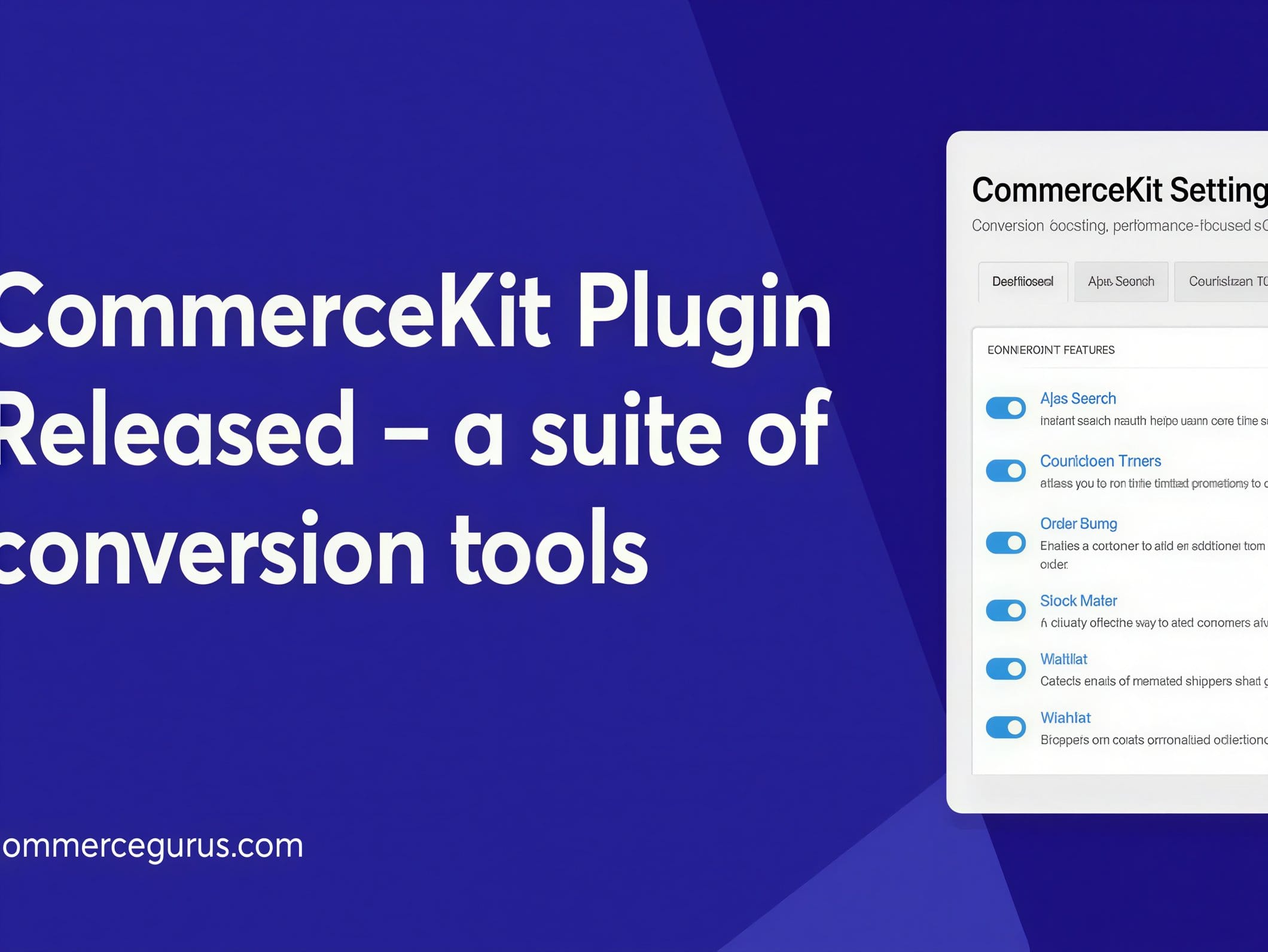
- AJAX Search: Results appear as soon as the user starts typing, typically showing a thumbnail, product name, and price. Customers reach the right product faster without navigating to a full results page.
- Side panel mini cart: The cart can be previewed and edited without leaving the current page. This reduces the number of steps between adding a product and proceeding to checkout.
- Sticky add to cart: The purchase button remains visible on long product pages, even when the user scrolls through the description or reviews section. This feature is especially important on smartphones, where the standard button quickly disappears off-screen.
- Wishlist: Saving products for later purchase makes it easier to return to an offer without searching again. This is particularly useful for products compared over time, such as fashion, home furnishings, or electronics.
- Waitlist and back-in-stock notifications: The store can collect interest for temporarily unavailable products or variants. Instead of losing traffic, the administrator recovers it when the item becomes available again.
- Variation swatches: Attributes such as color, size, or finish can be displayed more clearly than in a standard dropdown. This reduces selection errors and speeds up decisions on product pages with many combinations.
- Stock indicators and urgency messages: Selected modules help show that a product has limited availability or that the offer is time-sensitive. When used well, they build purchasing context without interfering with the core WooCommerce order mechanism.
CommerceGurus CommerceKit works especially well in stores that want to improve the shopping experience without rebuilding the entire frontend. In variant-heavy industries such as apparel, cosmetics, accessories, or home furnishings, simply presenting product options more clearly and keeping key actions within sight already makes a significant difference. In stores with a broad catalog, fast search and the ability to save a product for later become equally important.
One Plugin Instead of Multiple Add-ons from Different Sources
The most important difference is that CommerceGurus CommerceKit is not a single feature but a set of tools designed around the typical friction points in WooCommerce. In day-to-day operations, this means fewer overlapping styles, less scattered settings, and simpler store interface management. For the person managing the store, this matters not only organizationally but also practically: it is easier to assess which module affects user behavior and which elements are worth keeping active.
Compared to many individual add-ons, this WooCommerce package makes sense when the goal is not a flashy store expansion but rather organizing the elements that genuinely impact conversion. The modules work close to the standard WooCommerce mechanisms, so they do not alter catalog or order logic — they simply enhance it with more visible actions, clearer choices, and smoother transitions between shopping stages. This is exactly why the CommerceGurus package for online stores is best viewed as a tool for organizing the shopping experience, rather than a cosmetic add-on to the site’s appearance.