
Showing the single result
Show 1 – 1 from 1 found
Show all 1 found
Show one found
No items found
Categories
Sort by Popularity
On sale
Download CSV
15 per page
Add selected () for 0,00 $
Add selected () for 0,00 $
Add selected to cart
Select all
Clear selection
Filters
Sort
Reset
Apply
Name | Price | Add to cart | Delete | ||||||||||||||||||||||||||||||||||||||||||||||||||||||||||||||||||||||||||||||||||||||||||||||||
|---|---|---|---|---|---|---|---|---|---|---|---|---|---|---|---|---|---|---|---|---|---|---|---|---|---|---|---|---|---|---|---|---|---|---|---|---|---|---|---|---|---|---|---|---|---|---|---|---|---|---|---|---|---|---|---|---|---|---|---|---|---|---|---|---|---|---|---|---|---|---|---|---|---|---|---|---|---|---|---|---|---|---|---|---|---|---|---|---|---|---|---|---|---|---|---|---|---|---|---|
 | 3,00 $ | ||||||||||||||||||||||||||||||||||||||||||||||||||||||||||||||||||||||||||||||||||||||||||||||||||
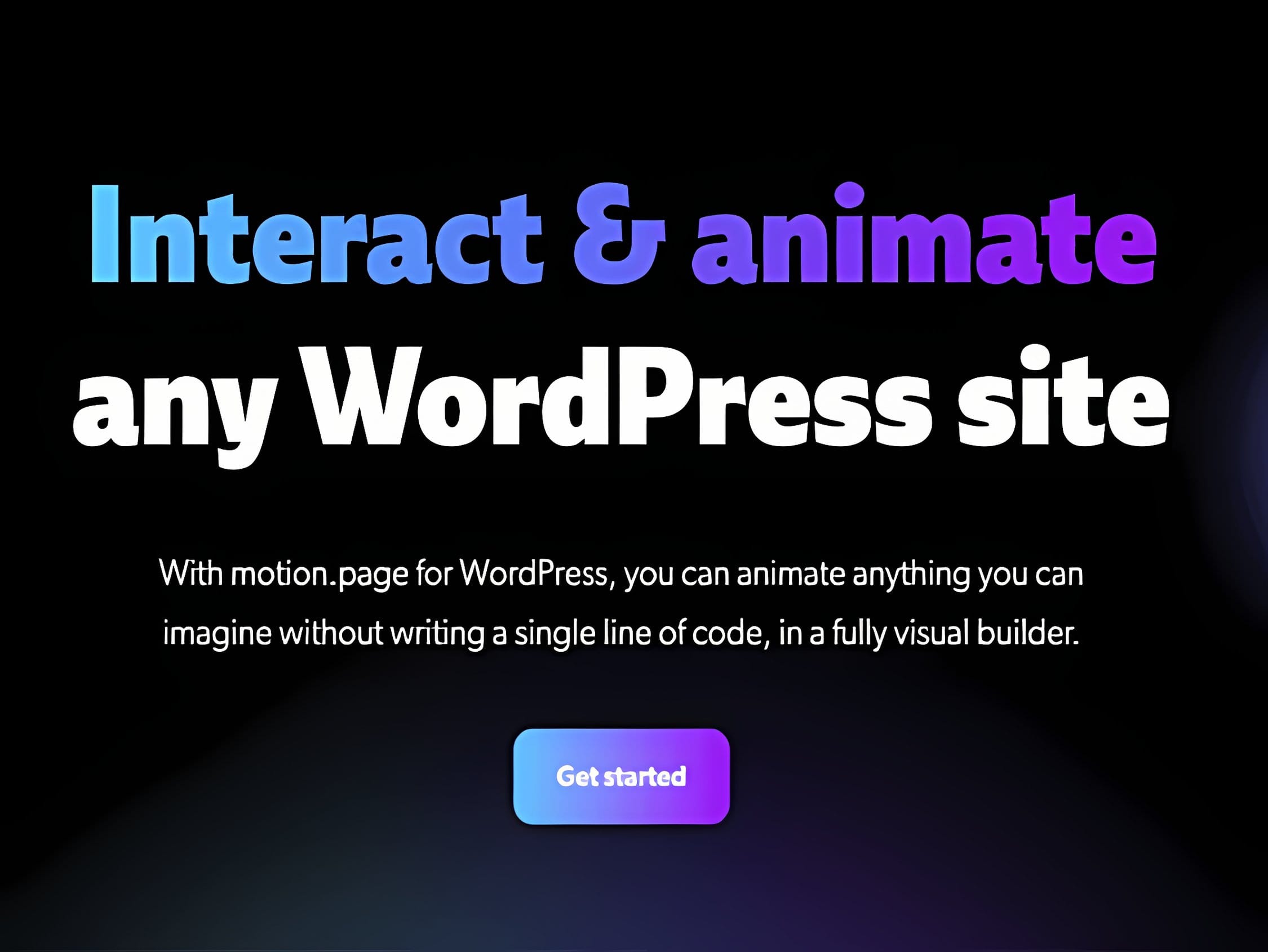
The premium Motion.page plugin is a visual animation and interaction builder for WordPress that lets you create smooth, responsive effects without writing code. With timeline editing, smart triggers, and a CSS selector-based workflow, building animated sections, micro-interactions, and scroll-based storytelling… Show more (+)
The premium Motion.page plugin is a visual animation and interaction builder for WordPress that lets you create smooth, responsive effects without writing code. With timeline editing, smart triggers, and a CSS selector-based workflow, building animated sections, micro-interactions, and scroll-based storytelling becomes intuitive and predictable. Motion.page works well in projects built on themes and popular page builders, helping you highlight content and improve user experience in line with best practices for performance and accessibility.Motion.page: animations and interactions without codeThe intuitive timeline-based interface makes it easy to map every stage of an animation: from start, through delays and sequences, to completion. You can set 2D and 3D transforms, opacity, filters, offsets, and work with easings and staggered delays to achieve a natural rhythm of motion. The Motion.page plugin uses element selectors, so animations can target individual components or entire classes, promoting effect reuse across the entire site.A key element is triggers: animations can respond to scrolling, an element entering the viewport, clicks, cursor hovers, or page load events. In practice, this means full control over when and how the user sees motion. The Motion.page plugin was designed to work with Gutenberg blocks and popular page builders, so it integrates with existing layouts without forcing changes to the content structure.The solution prioritizes performance: GPU-friendly properties are preferred, and animations can be conditional and responsive. Respecting user system preferences, such as reduced motion, allows you to build experiences consistent with accessibility guidelines.Practical applicationsA well-crafted motion effect impacts brand perception and conversion: it can direct attention, organize content, and explain complex processes. Motion.page for WordPress enables the implementation of a wide range of scenarios: from subtle micro-interactions to elaborate scroll-driven narratives. Animated hero sections: text entrances, layered backgrounds, and CTA sequences synchronized with scroll. Scroll-based storytelling: section pinning, parallax, and progressive animations. UI micro-interactions: hover and click effects for buttons, product cards, icons, and menus. Product showcases: image reveals, animated descriptions, and highlighting key features. Educational content: step-by-step sequences and emphasizing the most important information.By working with selectors and classes, animations prepared once can easily be applied to multiple sections, speeding up deployments and solution maintenance in larger projects.Key features and parametersThe following list gathers the most important capabilities used daily when creating animations and interactions. Organized settings promote repeatability and standardization of effects across the entire site. Visual timeline: control over start, delays, duration, and overlapping of effects. Interaction triggers: scroll, viewport, click, hover, and page load. CSS selector workflow: animating individual elements and entire classes. 2D/3D transforms: translations, scale, rotation, opacity, filters, and shadows. Easing and timing: easing curves, delays, and stagger effect for groups. Scroll control: start/end points, offsets, and section pinning. Responsive mode: animation variants for different breakpoints. Import and export: transferring configurations between projects.This defined feature set allows you to maintain control over every detail. Motion.page offers flexibility for both simple entrance effects and complex sequences composed of multiple steps and triggers.Benefits for designers and marketersAnimation solutions should support business goals and interface readability. A well-designed animation guides the eye and simplifies content comprehension rather than complicating it. The Motion.page plugin lets you combine the creative layer with performance control. Faster production: visual tools instead of writing code. Brand consistency: presets and CSS classes ensure a uniform motion style. Higher conversion: micro-interactions emphasize key CTAs and purchase funnel stages. Better readability: organizing content and reinforcing visual hierarchy. Scalability: the same components across additional pages.The Motion.page plugin integrates with everyday design workflow: it facilitates rapid prototyping, A/B testing of effects, and adjusting animation intensity to the context of the page and device.Best practices and implementation tipsFor best results, plan animations as an element of interface design: with a defined purpose, measurable effect, and a limited number of stimuli. It is recommended to animate properties that promote smoothness, such as transform and opacity, and to keep durations moderate. Testing on mobile devices helps assess responsiveness and ergonomics, while reduced-motion variants support accessibility. In team workflows, descriptive class names that reflect the animation's role make reuse and maintenance easier.Requirements and compatibilityThe plugin runs in a WordPress environment on current versions of PHP and browsers, working with modern themes and popular page builders. It is recommended to run it on projects that meet basic Core Web Vitals guidelines and use caching to fully leverage the potential of smooth animations. Motion.page can be used in both small websites and large-scale sites where standards and configuration reusability are of key importance.In summary: Motion.page is a premium tool that combines creativity with technical control. It allows you to design animations and interactions in line with UX, SEO, and performance best practices, while shortening deployment times and making it easier to maintain a consistent experience across the entire site. Show less (-)
| |||||||||||||||||||||||||||||||||||||||||||||||||||||||||||||||||||||||||||||||||||||||||||||||||||
Add selected () for 0,00 $
Add selected () for 0,00 $
Add selected to cart
Select all
Clear selection